Create an AI Character with Your Choice of Look and Personality
Explore DreamBunny character customization: appearance, personality and a consistent starting identity for conversations and creative scenes.
Create your companionFree character brief builder
Shape a starting prompt before you sign up. This tool assembles a template in your browser; it does not call AI or save your entries. Avoid entering personal or sensitive information.
Select and copy the brief into your character notes or first chat message. You can edit it freely. This is a writing template, not a saved character or a guaranteed AI response.
Build a clear character brief
- Choose an adult age and a few stable appearance preferences in the quiz.
- Pick one main personality trait and one balancing trait, such as curious but patient.
- When describing the character in the app, add an interest and a conversational preference instead of a list of contradictory adjectives.
- Start a short conversation. If it feels too formal, ask for a more relaxed tone before changing the visual design.
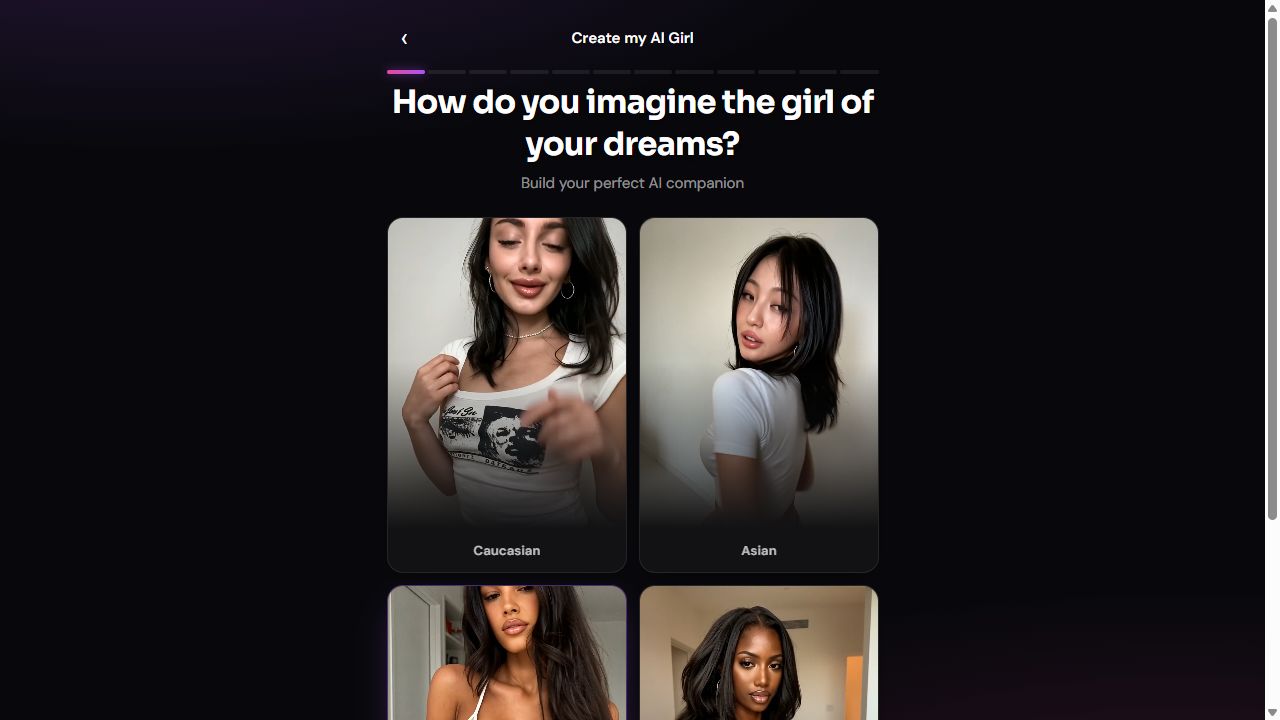
Build a starting identity
Choose the adult character's appearance and personality in the companion quiz or character creator. Hair, eyes and style help define the visual identity; personality helps set the tone of conversation. Start with a few clear preferences rather than a long list of conflicting details.
Separate identity from the scene
A character's identity and a particular scene are different. Keep stable traits in the character description and describe temporary details, such as a cafe setting or an outfit, in the conversation or creative request. For example, a thoughtful character can take part in both a relaxed coffee conversation and an imaginary travel story.
Review and refine
Generated media may vary even when you keep the same character. Review the result and adjust your description when needed; exact face, pose or clothing matches are not guaranteed. Create fictional adults and follow the acceptable-use policy. Do not upload or recreate other people's likenesses without the necessary permission.
Change one variable at a time
If you want to refine a visual result, keep the character description stable and adjust only the scene or lighting. If you want better conversation, change tone, length or the topic instead. Changing appearance, personality and the setting together makes it difficult to tell what helped. Even a carefully written brief cannot guarantee identical images or perfect memory.
Use original fictional identities
Start from an invented adult rather than a celebrity, acquaintance or customer photo. Our character-inspiration directory contains editorial examples only: no private characters, uploaded photographs or customer conversations are used. Its prompts are starting points, not preloaded profiles or one-click replicas.